















Configure the process, not the code
Every part of onboarding that usually needs a developer or a compliance spreadsheet is a screen in the admin console. Forms, questions, weights, rules and the actions they take are all yours to change.
Dynamic application forms
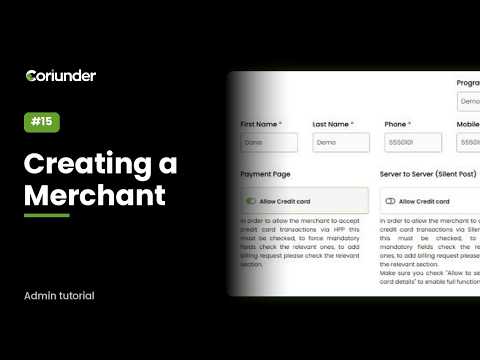
Decide which fields each application form shows, which are mandatory, and which are compliance fields only your team ever sees. Give any text or number field a fixed list of answers and it becomes a dropdown on the merchant portal, the customer application and the admin form at once - no release required. Because the options are the same values your rules read, the answers stay machine readable instead of turning into free text nobody can score.
See registration formsCRA management
A weighted Customer Risk Assessment built the way your MLRO already works. Questions sit in four pillars - customer, geographic, product and delivery - each with its own weight, and each answer carries its own score. The platform combines them into one percentage and a risk band, and a single answer marked as a high or very high trigger overrides the arithmetic outright. Weights, bands and questions are managed on screen, with a setup summary that validates the model before it goes live.
How scoring worksRules engine
Write conditions against any field on the application, combine them with AND and OR, and match countries against your own risk groups rather than a hard-coded list. One rule then runs an ordered list of actions instead of a single outcome, and each action is isolated - if one cannot complete, the rest still run and the failure is recorded rather than silently swallowing the whole rule. Every run is logged with the actions it took, so an approval from six months ago can still be explained.
Explore the rules engineAutomation that finishes the job
A decision is only useful if something happens next. Rules can move the account status, assign terminal and fee templates, set a rolling reserve, request a missing document, email the merchant, escalate to a reviewer or hand the application back for more information - and the merchant is notified automatically when they do. Standard cases reach a configured, ready-to-process account without anyone opening the file, so your team spends its day on the exceptions instead of the queue.
See configuration templatesA review screen that shows the gaps
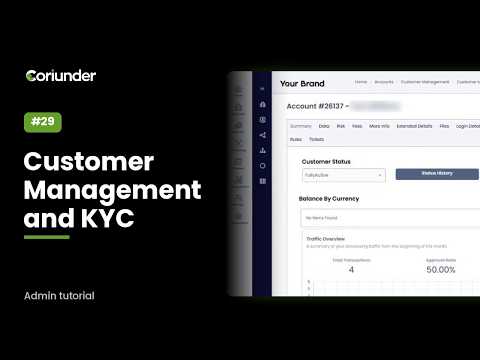
Reviewers open one application view that reads the same rules as the submission check, so what it calls missing is exactly what blocks approval. It shows a completeness score, the gaps grouped by section with a jump straight to the field, which items are waiting on the merchant against which are yours, where the file sits in its lifecycle, and the ownership structure drawn as a map down to the ultimate beneficial owners. Supporting documents carry an expiry date captured at approval, so a passport that lapses next month is visible today.
Inside the review workspace